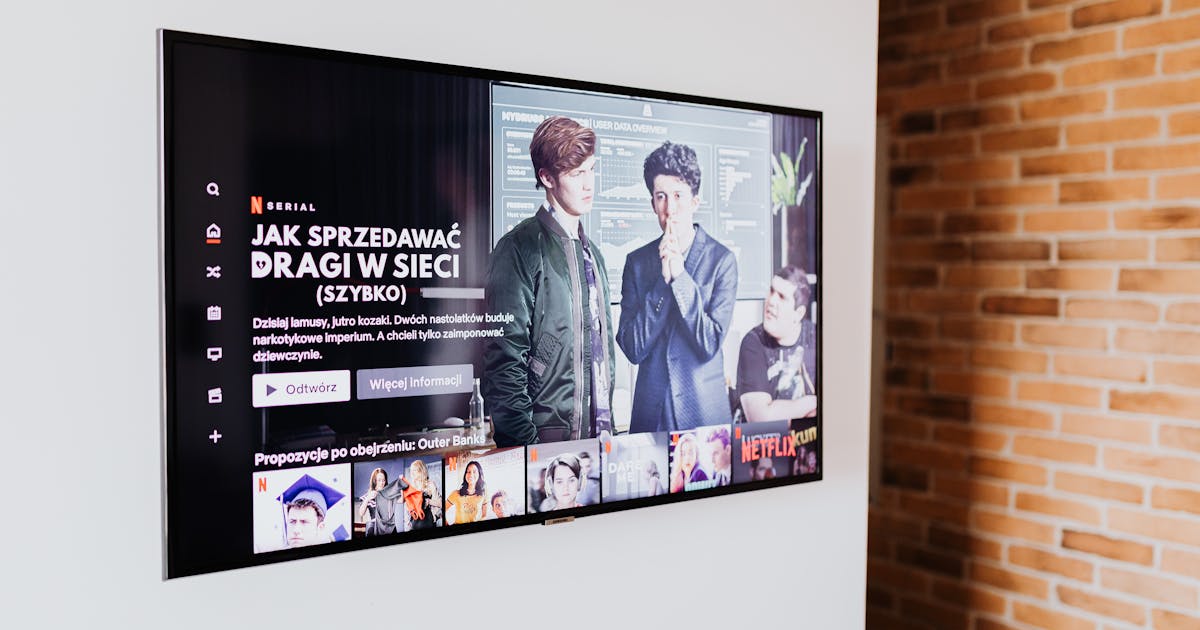
IPTV on Android TV UK — Why Android TV Is the Best Platform for IPTV
Android TV is the ideal platform for IPTV in 2026. Unlike Samsung's Tizen or LG's webOS, Android TV gives you direct access to the Google Play Store — where TiviMate, IPTV Smarters Pro, and dozens of other IPTV players are available as native apps. No sideloading, no workarounds, no compromises.
If you own a Sony Bravia, Philips Android TV, TCL smart TV, or Nvidia Shield, you already have the best IPTV hardware available. This guide walks you through setting up British IPTV on any Android TV — from trial to full channel lineup in under 10 minutes.
British IPTV starts from £7.99/month and includes 20,000+ live channels, 65,000 VOD titles, and a free 3-hour trial via WhatsApp.

What You Get: British IPTV on Android TV
| Feature | British IPTV | Sky Glass | Virgin TV 360 |
|---|---|---|---|
| Monthly cost | £7.99 | £65–£120 | £55–£100 |
| Live channels | 20,000+ | ~300 | ~250 |
| Sky Sports (all) | ✅ | ✅ | ❌ |
| TNT Sports | ✅ | ❌ | ✅ |
| 4K streams | ✅ | ✅ | Partial |
| VOD library | 65,000 titles | Limited | Limited |
| Contract required | None | 24 months | 18 months |
| Native Android TV app | ✅ | ❌ | ❌ |
How to Set Up IPTV on Android TV UK — Step by Step
Step 1 — Get Your Free Trial
Contact British IPTV via WhatsApp and request a free 3-hour trial. You'll receive your Xtream Codes credentials — server URL, username, and password — within minutes. No credit card needed.
Step 2 — Install TiviMate on Your Android TV
TiviMate is the best IPTV player for Android TV. It's available directly from the Google Play Store:
- Open the Google Play Store on your Android TV
- Search for TiviMate IPTV Player
- Install the free version (a Companion subscription unlocks premium features)
- Open TiviMate and tap the + button
Step 3 — Add Your Subscription
In TiviMate, select Add Playlist → Xtream Codes API and enter:
- Server URL — provided with your trial
- Username — from your British IPTV credentials
- Password — from your British IPTV credentials
Tap Next and wait 30–60 seconds while your 20,000+ channels load.
Step 4 — Configure EPG (TV Guide)
After channels load, go to Settings → Playlists → EPG Sources and add the EPG URL provided with your subscription. This loads the full 7-day TV guide for all UK channels — just like Sky's EPG.
Step 5 — Browse and Watch
Use the Channels tab to browse by category: UK, Sports, Entertainment, News, Kids. Add channels to your Favourites for quick access.

Best IPTV Apps for Android TV in the UK
TiviMate (Recommended)
TiviMate is purpose-built for Android TV with a remote-friendly interface, picture-in-picture mode, and the best EPG display of any IPTV app. The free version handles basics; TiviMate Companion (£3.99 one-time) unlocks multiple playlists, recording, and advanced features.
IPTV Smarters Pro
Available free on Google Play. Works on any Android TV and supports Xtream Codes, M3U, and MAG portal formats. Solid fallback if TiviMate has any issues on your specific device.
GSE Smart IPTV
Strong alternative with a clean interface. Particularly reliable on older Android TV hardware. Free version available with in-app purchases for premium features.
Useful resources:
- TiviMate — best Android TV IPTV player
- IPTV Smarters Pro — versatile multi-platform player
- VLC Media Player — free fallback player
- Apollo Groups IPTV — alternative international IPTV provider
- Golden Gate IPTV — popular global IPTV service
Frequently Asked Questions: IPTV on Android TV UK
Q: Which Android TV devices work best with IPTV in the UK? A: All Android TV devices work well — Sony Bravia (2019+), Philips Android TV, TCL, Hisense, and the Nvidia Shield TV Pro (best performance overall). Any device running Android TV 7.0 or higher handles TiviMate without issues.
Q: Do I need to sideload apps on Android TV? A: No. TiviMate and IPTV Smarters Pro are both available directly from the Google Play Store on Android TV. No sideloading required.
Q: What internet speed do I need for IPTV on Android TV? A: A minimum of 10 Mbps for HD and 25 Mbps for 4K UHD. Most UK broadband connections easily exceed this. An Ethernet connection is preferred for the most stable performance.
Q: Can I record live TV with IPTV on Android TV? A: Yes, TiviMate with the Companion subscription supports DVR recording to a USB drive or network storage connected to your Android TV box.
Q: Is there a free trial available? A: Yes — contact British IPTV via WhatsApp for a free 3-hour trial. You'll be watching live UK TV on your Android TV within minutes. No credit card required.
Related Articles
- IPTV Subscription UK 2026: Best Plans & Prices — full breakdown of plans and pricing
- Best IPTV UK 2026: Top Services Ranked — tested provider comparison
- Best IPTV Apps for Firestick 2026 — TiviMate vs IPTV Smarters vs GSE
- Why Does My IPTV Buffer? 7 Fixes — performance troubleshooting guide
Ready to try it yourself?
Get a free 3-hour trial — no credit card required. Our team sets it up for you.
Related Articles
IPTV on Apple TV UK 2026: Complete Setup Guide
How to watch IPTV on Apple TV in the UK — the best apps, step-by-step setup for Xtream Codes and M3U, and why British IPTV is the top choice at £7.99/month.
Read MoreIPTV Free Trial UK 2026: How to Get 3 Hours Free Before You Subscribe
Looking for a genuine IPTV free trial in the UK? British IPTV offers a real 3-hour free trial via WhatsApp — no credit card, no contract. Here's exactly how to claim it and what to expect.
Read More